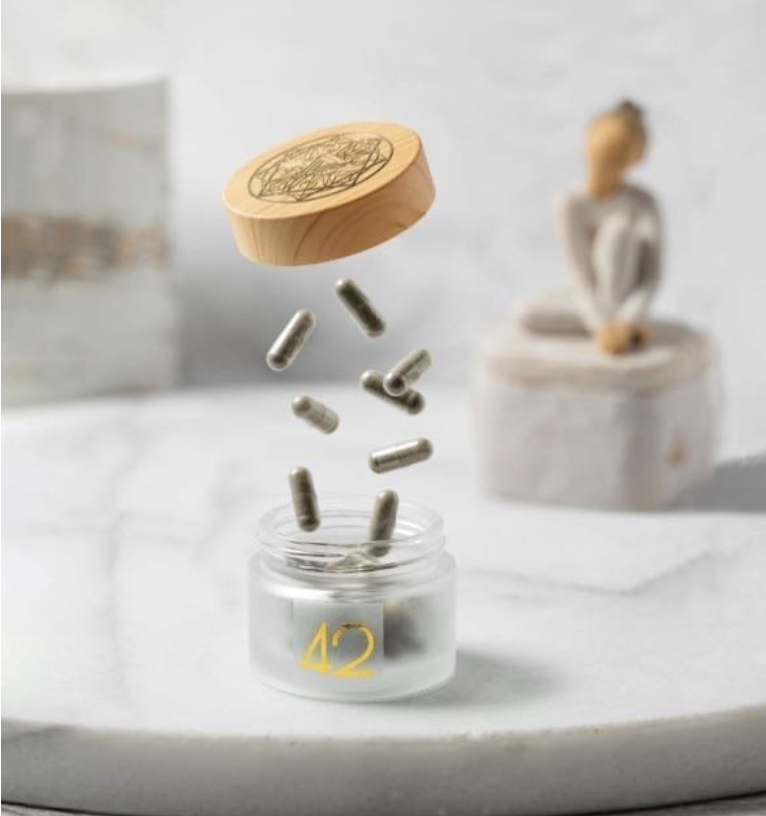
The two word guide to microdosing 42: use intermittently.
# of days per week: 3-4 times a week. The days can be either consecutive or alternate. There is evidence to support both cadences.
Dosage: The smallest amount is .111 per day which is a proper micro as in- it is subperceptual for most if not all. You may have more than one pill a day or at a time. The pills do not have to be taken at once- you may take 1-2 .111 pill(s) in the morning and may take another later in the day. If weaning off of anti depressant and alternating the days- you may need to take more 42 for a felt effect. Feel free to reach out.
Time of day: You may have your pill(s) in the AM, on an empty stomach. That is not a hard requirement and will not cause stomach upset if taken later or with food. You may also engage later in the day- mushrooms are NOT a stimulant and will not keep you awake. You may absolutely take 42 in lieu of alcohol for a more felt effect- see mEcro instructions.
Recommendations:
For best results, avoid all other psychoactive substances, at least till you establish familiarity.
Coffee and other stimulants may bring about heart palpitations which may feel uncomfortable. You can resume coffee once familiarity is established.
If you use 42 to bring about mental clarity, be sure to avoid dissosiatives while engaging with 42. You don’t want to let mental fog out the window and let it back in through the door.
An occasional glass of wine with dinner is OK. Don’t get black out drunk. Don’t get black out anything.
If you give 42 time to work its way through your system, you may very well find that you reach for your vices far less often, and maybe not at all.
No harm: One cannot get addicted to or overdose on 42. One can very well find themselves having a challenging experience when taking a few pills. Psilocybin is not a xanas. It helps us get better not by walking away from an underlying misalignment or pain, but by walking towards it. If discomfort arises- deal with it. Literally. Deal with what comes. If it persists, you may safely pause microdosing and consult with this avatar. Happy to have Danielle privately forward something I wrote about that.
42 support regimen: Lion’s mane, Cordyceps, ALA alpha lipoid acid. These will help boost 42’s positive effect. 42 needs no niacin, and it should be noted that niacin is a contraindication for some individuals.
Pro tip: when engaging, engage with intention.
Whether and how to microdose at a time of crisis? The one word answer is DEPENDS :)
Micro and the nervous system:
Microdosing is not a Xanax. While the accumulative effect can and does rewire our nervous system to SAFETY, in the short term- one can actually feel momentarily on edge while microdosing as it brings things to our awareness.
Think of an unregulated nervous system like a crying baby. Xanax (and other dissociative/ numbing agents) say: “Baby is crying, let’s get out of the house so we cannot hear it”. = immediate effect is relief (what baby?), yet less one is less likely to find a long term resolution. 😭+💊/🍷/💉>>🔇>>😭
(42) micro says: “Baby is crying, let’s go towards it and figure out why.” Short term effect can be uncomfortable (cry gets louder), yet if one is to stick with it, long term resolution is more likely, and sooner than sans catalyst. 😭+🍄>>🔊>>👶🏻